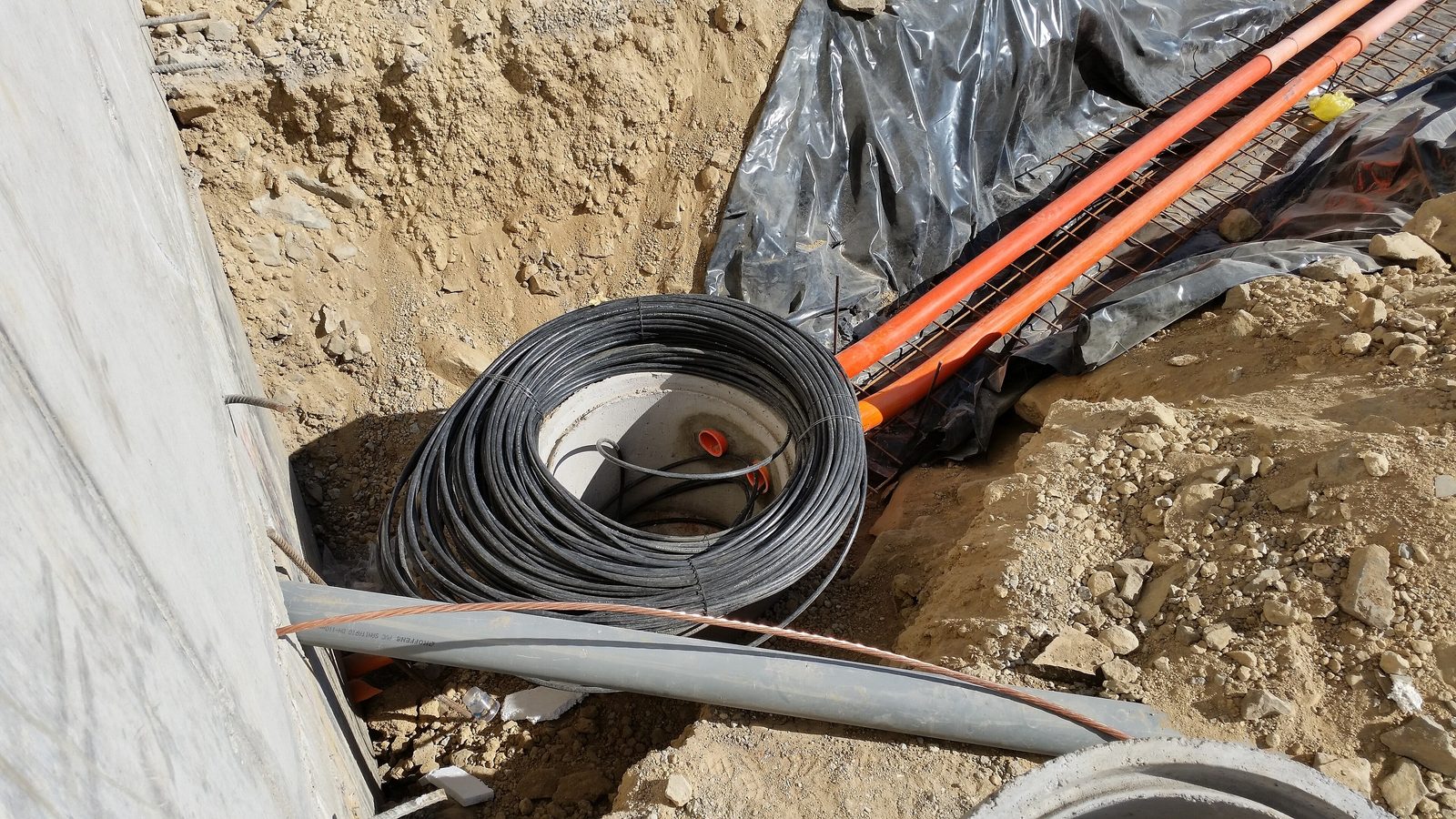
In factories and multi-building sites, the first network design question is how the buildings are connected. There are two main options: fibre optic and a point-to-point wireless link. Each has its place, and in many projects a combination of both gives the best result.
Fibre optic
Advantages
- High speed and capacity: 1 and 10 gigabit easily, and more just by changing the modules.
- Stability: rain, fog, dust and radio interference have no effect on it.
- Electrical safety: unlike copper, it does not carry electricity or lightning between buildings, an important point in industrial sites.
- Long life: properly installed fibre works unchanged for years.
Limitations
- Cost and installation time: trenching, ducting or aerial cable, and fusion splicing.
- Some routes are practically impossible, for example crossing a road, a river or someone else’s land.
- Physical damage (a wrong dig or a cut aerial cable) needs specialist repair.
Single-mode or multi-mode?
- Multi-mode: for short distances, usually inside one building or up to a few hundred metres.
- Single-mode: for longer distances, up to tens of kilometres. It is usually the better choice for connecting buildings and leaves more room for future growth.
The SFP modules at both ends must match the fibre type and each other’s wavelength.
Point-to-point wireless link
Advantages
- Fast installation: in a day or two, with no digging.
- Lower cost over long distances or difficult routes.
- Movable: suits temporary sites and construction periods.
Limitations
- It needs line of sight; trees, a new building or a crane can break the link.
- Radio interference and weather affect quality.
- Real capacity is usually lower than the figure on the box.
- It needs precise alignment and periodic inspection; wind and mast vibration move the antenna.
Practical tips
- Before buying, check line of sight and the Fresnel zone; simply being able to see the building opposite is not enough.
- Mount the antenna on a solid bracket with earthing and lightning protection.
- On 5 GHz, choose a channel with little interference and do not raise the power more than needed.
- Encrypt the link; an unencrypted wireless link takes your network beyond the factory walls.
Side by side
- Speed and capacity: fibre is higher
- Stability: fibre is higher
- Initial cost on short, easy routes: fibre is usually cost-effective
- Cost on long or difficult routes: wireless is lower
- Installation time: wireless is faster
- Maintenance: fibre needs less
Which should you choose?
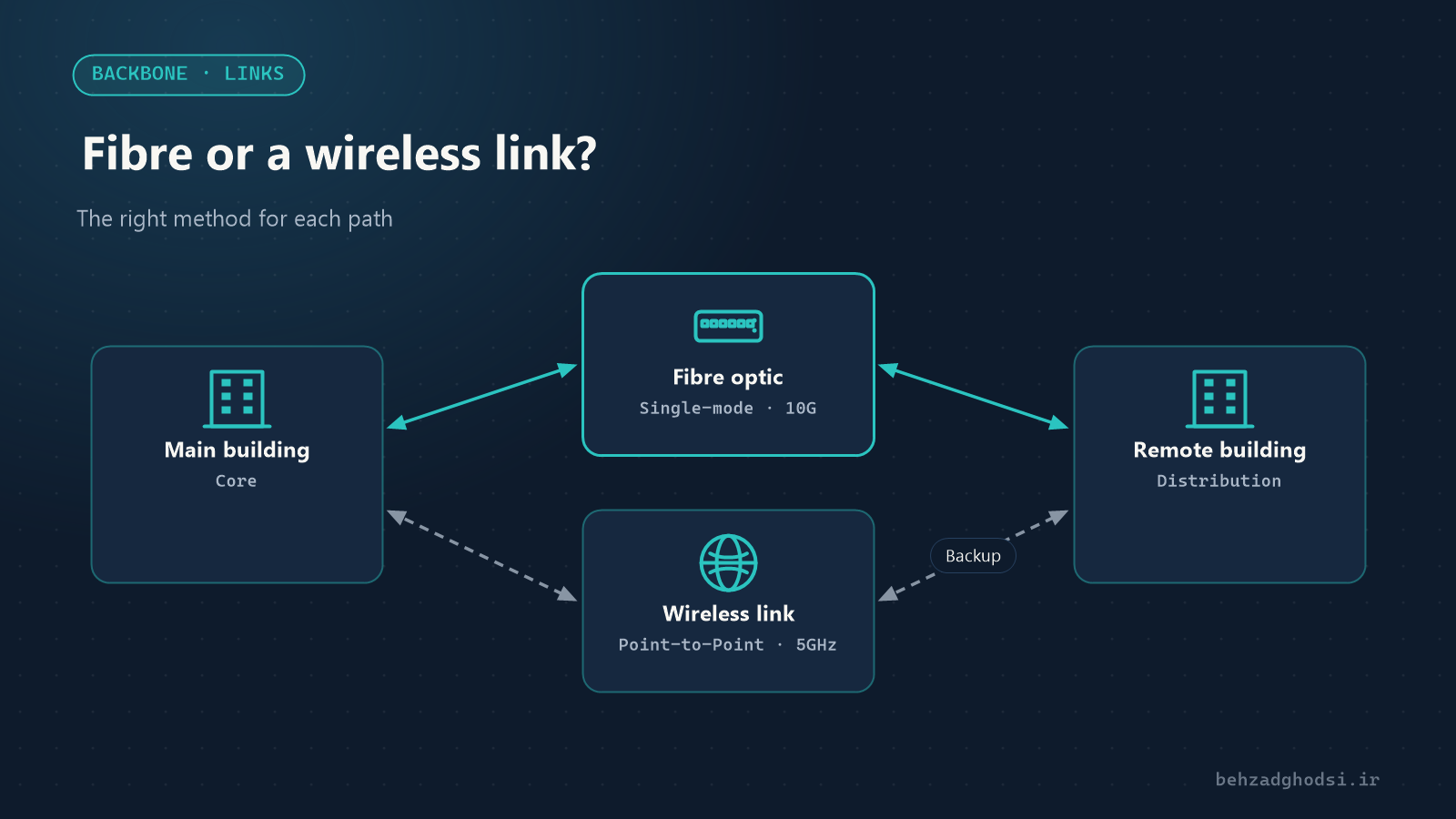
- A permanent backbone between the main buildings: fibre optic.
- Routes where digging is impossible or not cost-effective, temporary sites and construction periods: wireless link.
- Critical buildings: fibre as the main path and wireless as the backup path, so the connection is not lost if the fibre is damaged.
In the steel raw-materials plant project, the links between buildings were a combination of fibre and wireless, and at the Nowshahr combined-cycle power plant the cameras used during construction were connected wirelessly.
Fibre is the best choice for permanent, high-capacity links, and a wireless link for difficult routes, fast installation and as a backup. Good design means choosing the right method for each route. To see where these links fit in the whole network, read Enterprise network design.
Photo at the top of the article: Rubin Observatory/NSF/AURA, licensed under CC BY 4.0, via Wikimedia Commons; cropped.