A sudden power cut is not just “switching off” for a server: the database may be corrupted, the RAID array may have problems and virtual machines may come back with incomplete files. Voltage swings and sags also wear out power supplies and disks over time. Compared with the cost of a serious failure, a suitable UPS and proper power design cost little.
Types of UPS
- Offline (standby): normally mains power goes straight to the equipment, and the battery only kicks in when power fails. It is cheap and fine for office computers, but not suitable for servers.
- Line-interactive: corrects small voltage fluctuations. An acceptable option for switches, small racks and small server rooms.
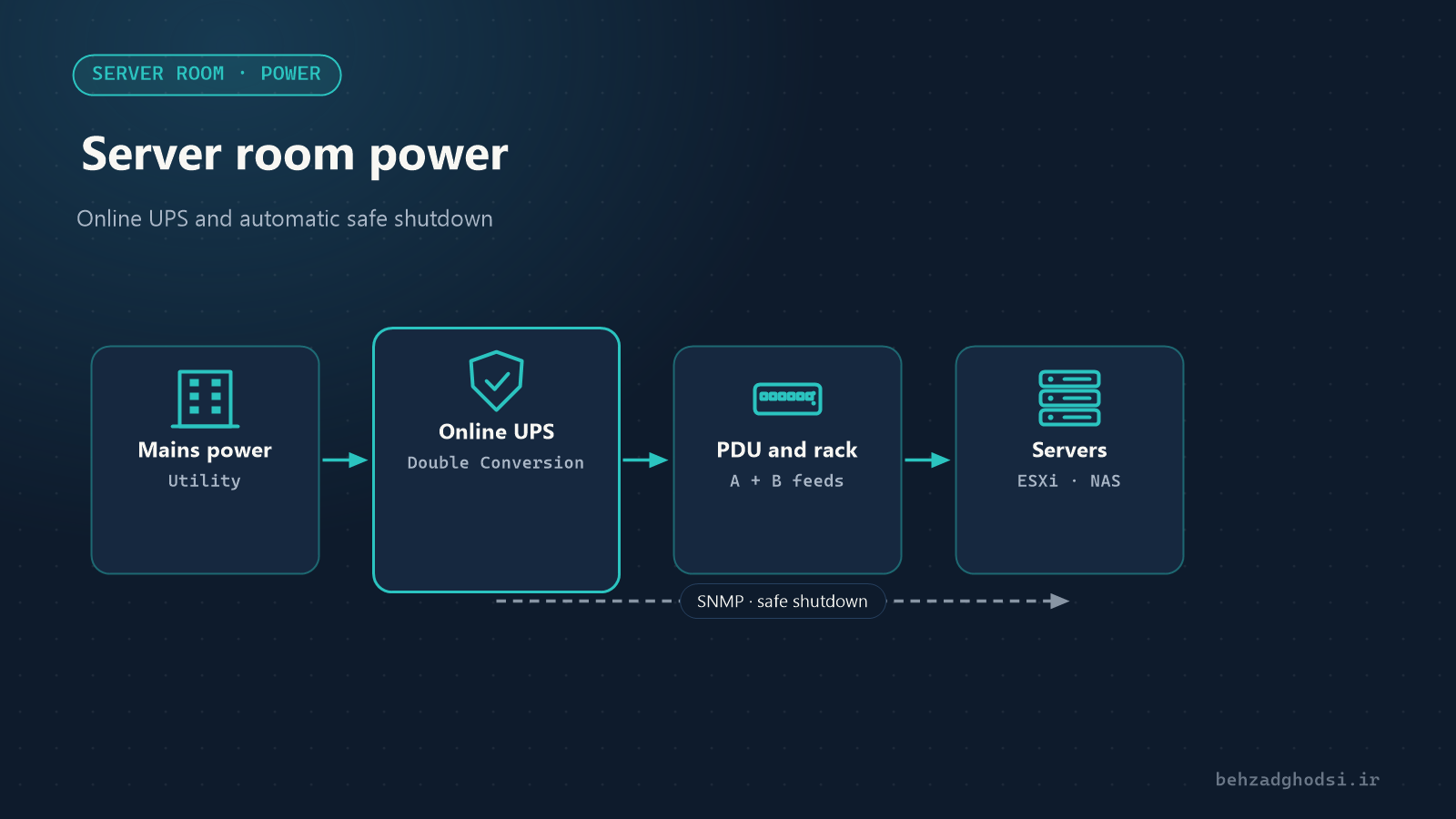
- Online (double conversion): power always passes through the rectifier and inverter, so the output is perfectly clean and stable, with no break when the mains fails. For servers and server rooms, this is the right type, especially where the mains supply fluctuates a lot.
Sizing the UPS
Watts and VA
UPS capacity is stated in VA and watts (W), and they are not the same. What you compare with your equipment’s consumption is watts. The power factor of modern online UPSs is usually 0.9 to 1; read the exact value on the device’s data sheet.
How to calculate
- Write down the real consumption of each device: servers, switches, firewall, NAS and phone system. Read the real consumption from the server’s iLO or iDRAC or the data sheet, not the power supply’s rating.
- Add them up.
- Add about 20 to 30 per cent for future growth.
- Choose a UPS so that in normal operation it runs at about 60 to 70 per cent of its capacity, not 100 per cent.
Example: two servers (400 W each), two switches (100 W each) and a firewall and NAS (150 W together) make 1,150 W. With 30 per cent growth that is about 1,500 W; a 3 kVA online UPS with a 0.9 power factor (about 2,700 W) carries this load with a safe margin.
Runtime
Runtime depends on battery capacity and load. The real goal is usually not to run the servers on battery for hours, but:
- Short outages should not shut the servers down.
- In a long outage there should be enough time for a safe shutdown, or for the generator to start.
For most organisations, 10 to 20 minutes at the real load is enough. If you need more, consider extra battery packs or a generator. Read the exact runtime from the manufacturer’s runtime table for your load.
Safe, automatic shutdown
A UPS without automatic shutdown only delays the servers going down by a few minutes. To do it properly:
- Connect the UPS to the network or a server with a network card (SNMP card) or a USB cable.
- Install the UPS management software so that when the battery reaches a set level it shuts things down in order: first the virtual machines, then the servers, and finally the storage (NAS or SAN).
- In a virtual environment, shutting down the hypervisor (VMware ESXi or Hyper-V) must also shut the virtual machines down cleanly; check this setting on the hypervisor too.
- Test the scenario once outside working hours; until it is tested, you do not know whether it works.
The battery
- Common UPS batteries usually last 3 to 5 years, and heat shortens that a lot.
- Keep the room temperature low; batteries die sooner in the heat.
- Enable the UPS’s automatic battery test and send its alerts to email or the monitoring system.
A few server room power principles
- Proper earthing with suitable resistance; without it, the UPS and equipment are not protected against surges and lightning.
- Run a dedicated circuit for the server room from the distribution board, and do not put other loads (air conditioners, heaters, the kitchen) on it.
- For servers with two power supplies, connect each one to a separate power path (two UPSs or two PDUs).
- Do not forget the server room cooling; the UPS keeps the servers running, but without cooling the room heats up during a long outage.
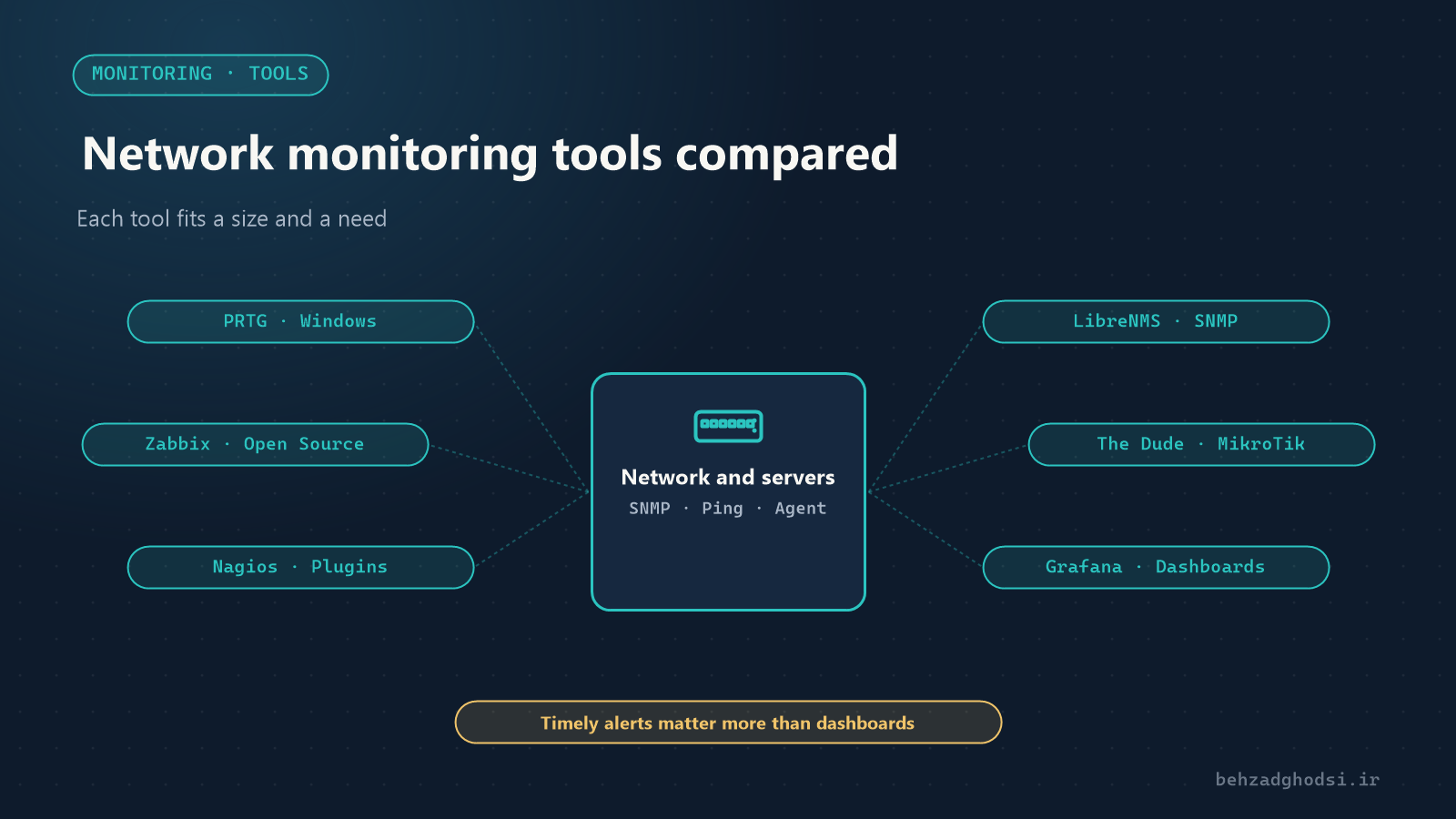
- Show the UPS status in the monitoring system, so power failures, running on battery and battery faults are reported immediately. See Network monitoring tools compared.
For a server room, an online UPS used at about two-thirds of its capacity in normal operation, enough runtime for a safe shutdown, a tested automatic shutdown, healthy batteries and proper earthing are the foundation of stable infrastructure. Plan it together with proper backups with Veeam; both are needed to keep data safe.
Photo at the top of the article: Derrick Coetzee from Berkeley, CA, USA, licensed under CC0, via Wikimedia Commons; cropped.