Most organisations have backups; but when a server disk dies or ransomware encrypts the files, it turns out the backup was incomplete, or on the same server, or its restore was never tested. This article covers the principles of proper backups with Veeam Backup & Replication, the tool also used for automatic backups in the Golrokh Teb imaging centre project.
What is Veeam?
Veeam Backup & Replication is backup software for virtual machines (VMware vSphere and Hyper-V), physical servers and computers. It backs up whole virtual machines and can restore a complete machine, a single file, or an individual email or database. A free edition (Community Edition) is available for a limited number of machines.
The 3-2-1 rule
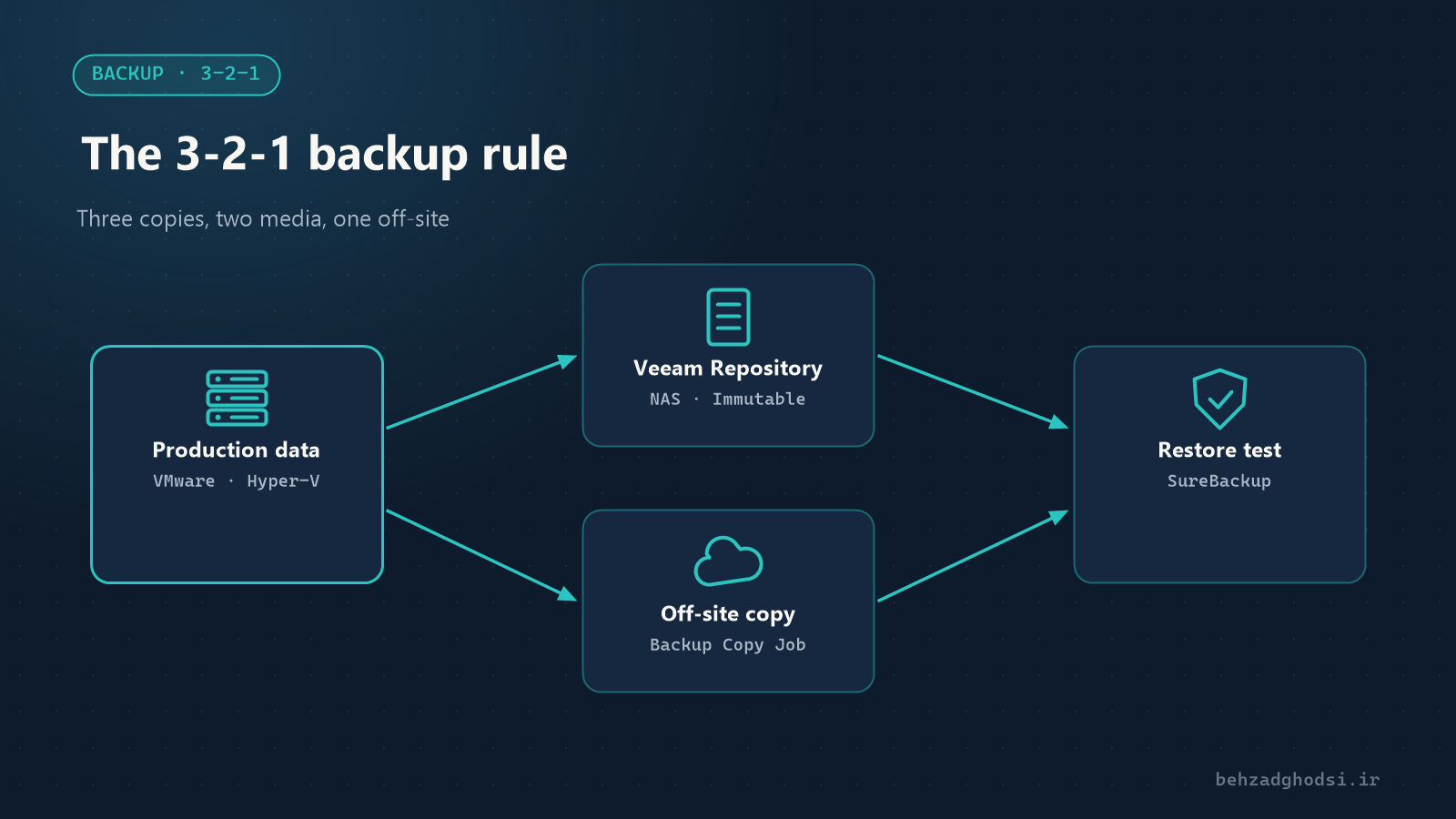
- 3 copies of the data: the original and two backups.
- 2 different types of media: for example the disks of a NAS and a separate disk or tape.
- 1 copy off-site: in another building or in the cloud, for fire, theft and incidents that destroy the whole site.
Today the rule is often extended to 3-2-1-1-0: one immutable or offline copy (against ransomware) and zero errors in restore tests.
The main parts of a Veeam design
- Backup server: the Veeam management server.
- Proxy: the machine that reads data from the virtualization host and processes it; in small networks it is the backup server itself.
- Repository: where the backups are stored, for example a NAS or a server with enough disk. The repository must not be on the same server you are backing up.
Designing backup jobs
- What: the critical virtual machines (domain controller, file server, accounting software or HIS, phone system).
- When: usually every night, outside working hours.
- How long to keep (retention): for example 14 daily restore points, plus weekly and monthly copies for longer.
- Turn on application-aware processing for servers such as SQL Server and Active Directory, so the backup is consistent at the application level.
- Enable encryption of backups, especially the copy kept off-site.
- Create a Backup Copy Job so a copy is sent automatically to a second location (another building or the cloud).
Protection against ransomware
Modern ransomware goes after backups first. A few principles:
- Do not join the repository to the domain, and give it a separate account with a strong password.
- Use an immutable repository, for example a hardened Linux repository, or an offline copy.
- Use the firewall to restrict network access to the repository to the Veeam server only.
- Protect the Veeam console with two-factor authentication.
Restore testing: the most important step
A backup is only worth something if it comes back. At least every three months:
- Restore a complete virtual machine in an isolated environment and boot it.
- Restore a single file and a database separately.
- Write down the restore time; if a full restore takes 12 hours, managers need to know that in advance.
Veeam’s SureBackup automates this test: it boots the machine from the backup in an isolated environment and checks that it is healthy.
Monitoring
Enable email reports for the jobs and look at them daily. A job that fails silently is more dangerous than having no backup at all, because it gives a false sense of security. Veeam monitoring can also be connected to your network monitoring tool; see Network monitoring tools compared.
Proper backups rest on three pillars: the 3-2-1 rule, protecting the backups themselves and regular restore tests. Veeam makes all three simple for virtual environments. For an introduction to virtualization, read Physical servers and virtualization.
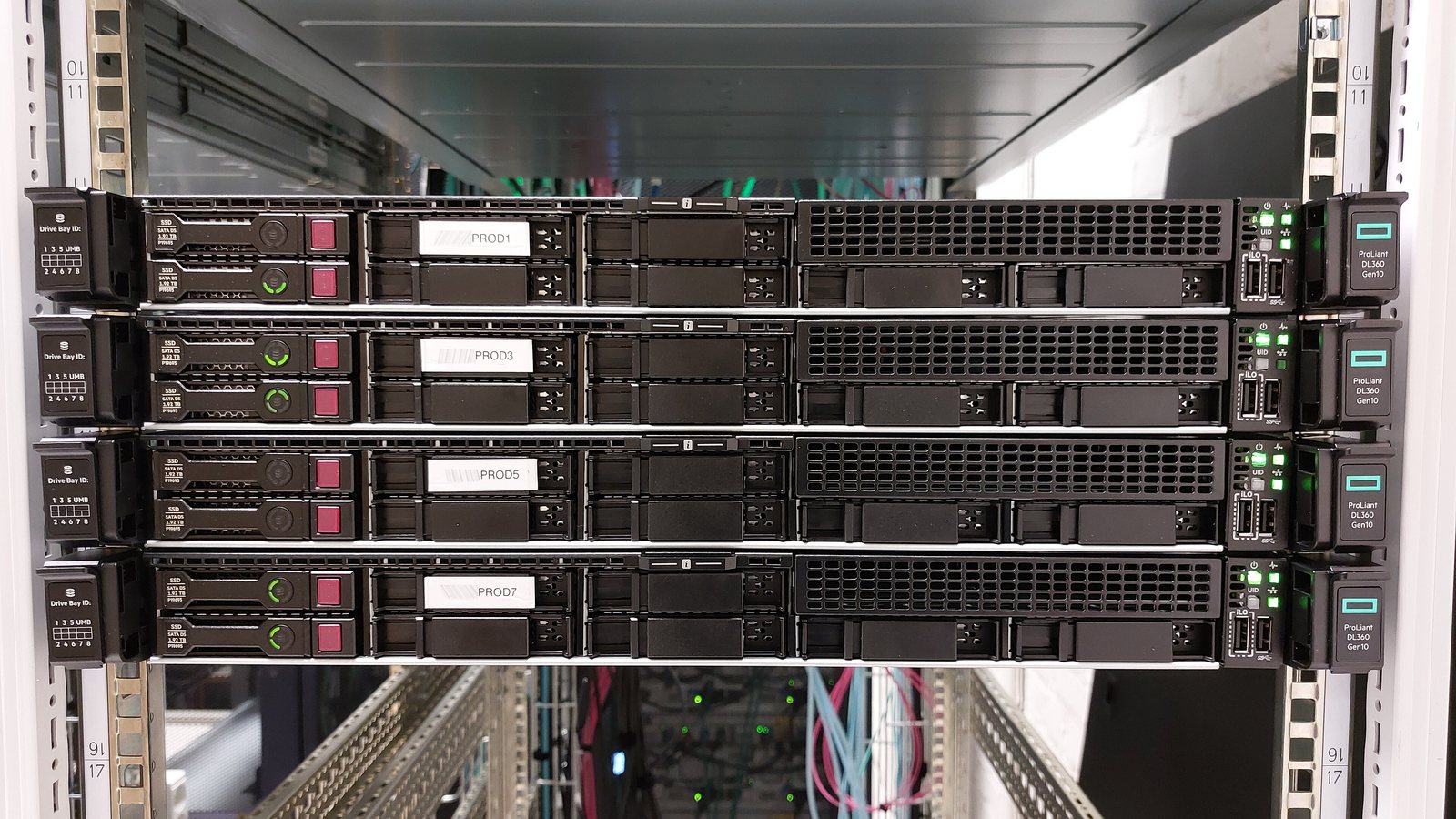
Photo at the top of the article: Carl Lender from Sunrise, USA, licensed under CC BY 2.0, via Wikimedia Commons; cropped.