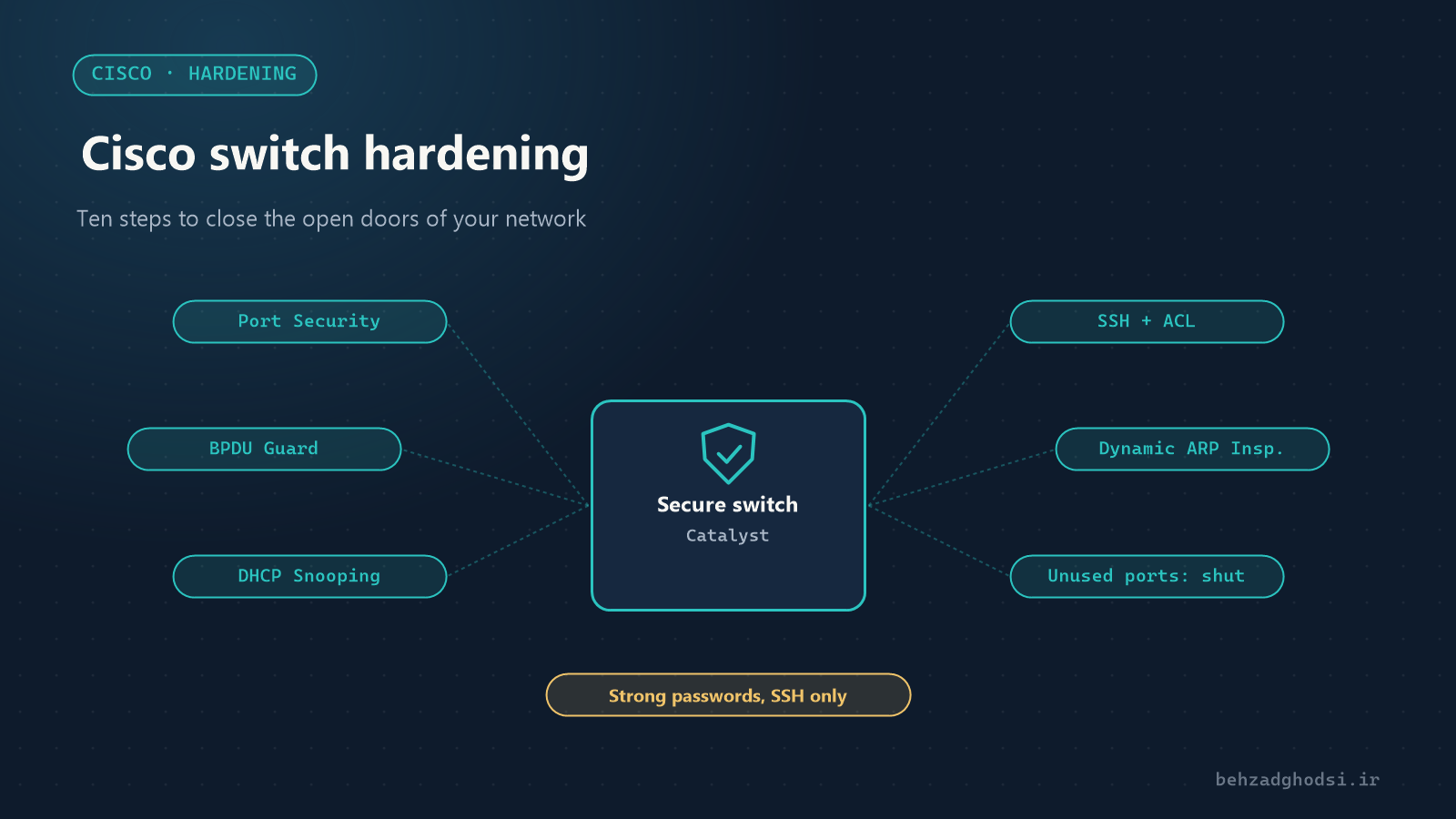
Most internal network attacks start from the ports nobody pays attention to: the wall socket in the meeting room, the empty port next to a desk, or a visitor’s laptop running a home DHCP server. Out of the box, a Cisco switch is configured to “work”, not to “be secure”. This article is a practical checklist you can apply to your switches step by step.
The examples assume user VLANs 10 and 20, user ports Gi1/0/1-40, and Gi1/0/48 as the uplink to the core switch or router. Replace the numbers with your own.
1. Passwords and users
SW1(config)# enable secret Str0ng-Enable-Pass
SW1(config)# username admin privilege 15 secret Str0ng-Admin-Pass
SW1(config)# service password-encryption
SW1(config)# security passwords min-length 10
SW1(config)# login block-for 120 attempts 3 within 60
enable secretstores the password as a hash; never useenable password.service password-encryptionhides any plain passwords left in the configuration from direct view. The encryption is weak and only stops shoulder-surfing.login block-forblocks logins for two minutes after three failed attempts within a minute, which stops password guessing.
2. Management over SSH only
Telnet sends the password and every command unencrypted. Limit management access to SSH, and only from the management network:
SW1(config)# access-list 10 permit 192.168.100.0 0.0.0.255
SW1(config)# line vty 0 15
SW1(config-line)# transport input ssh
SW1(config-line)# login local
SW1(config-line)# access-class 10 in
SW1(config-line)# exec-timeout 10 0
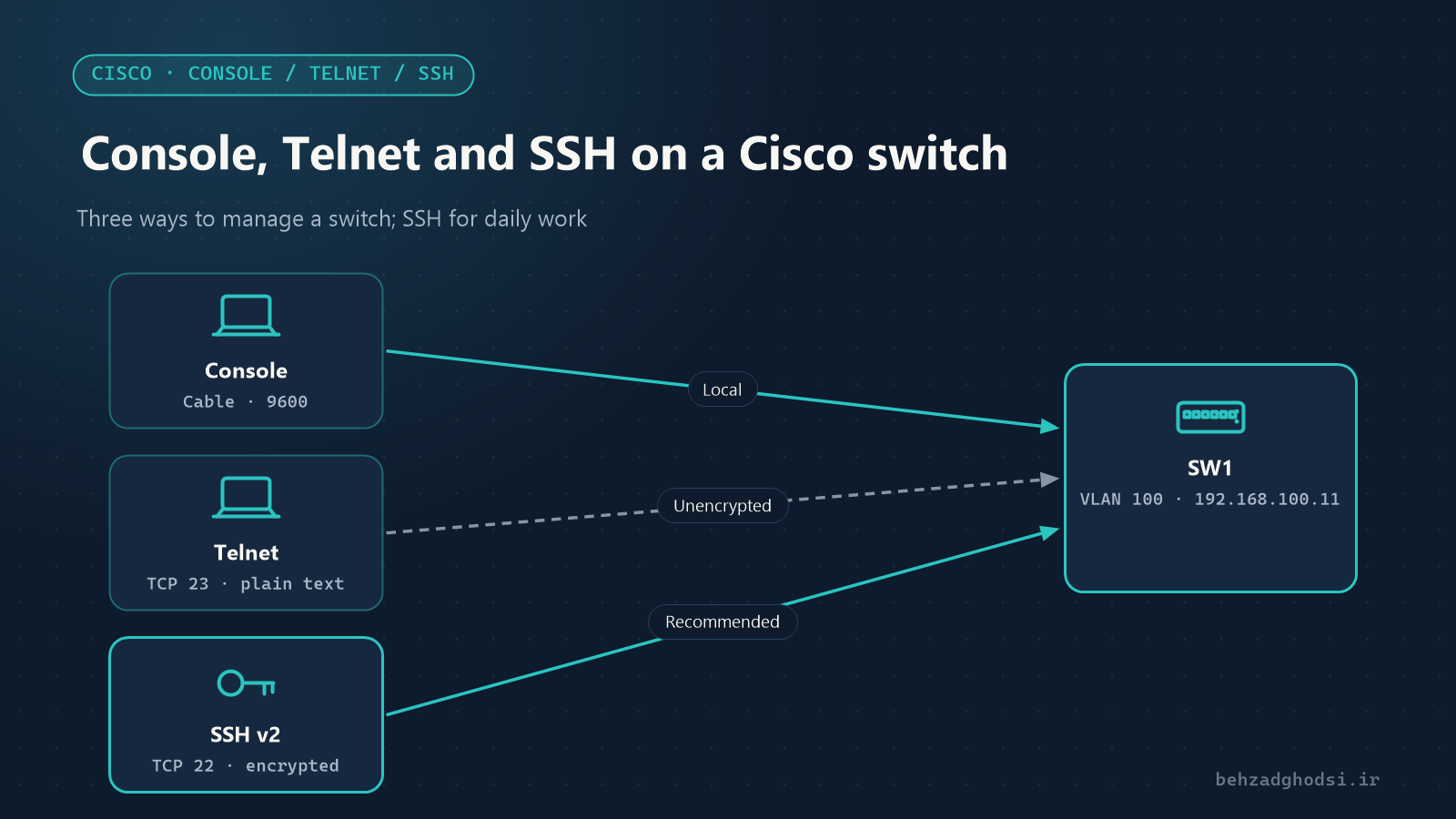
The full SSH set-up is in Console, Telnet and SSH on a Cisco switch.
3. Shut down unused ports
Every unused port should be shut down and placed in an unused VLAN:
SW1(config)# vlan 999
SW1(config-vlan)# name UNUSED
SW1(config-vlan)# exit
SW1(config)# interface range gi1/0/41 - 47
SW1(config-if-range)# switchport mode access
SW1(config-if-range)# switchport access vlan 999
SW1(config-if-range)# shutdown
4. User ports: fixed access, no negotiation
By default, ports may negotiate with the device on the other end using DTP and become trunks. An attacker can use this to reach every VLAN (a VLAN hopping attack). Make user ports explicitly access ports and turn negotiation off:
SW1(config)# interface range gi1/0/1 - 40
SW1(config-if-range)# switchport mode access
SW1(config-if-range)# switchport nonegotiate
SW1(config-if-range)# spanning-tree portfast
SW1(config-if-range)# spanning-tree bpduguard enable- PortFast brings a user port up immediately.
- BPDU Guard shuts the port down if someone plugs a switch into it and it sends STP messages. This prevents loops and STP manipulation.
5. Trunks: only the VLANs you need
SW1(config)# interface gi1/0/48
SW1(config-if)# switchport mode trunk
SW1(config-if)# switchport nonegotiate
SW1(config-if)# switchport trunk native vlan 998
SW1(config-if)# switchport trunk allowed vlan 10,20,100- Change the native VLAN from
1to an unused VLAN. It must be the same on both ends of the trunk. - Allow only the VLANs that are really needed on the trunk.
6. Port Security: limit the devices on each port
Port Security decides how many devices (MAC addresses) can work on one port:
SW1(config)# interface range gi1/0/1 - 40
SW1(config-if-range)# switchport port-security
SW1(config-if-range)# switchport port-security maximum 2
SW1(config-if-range)# switchport port-security mac-address sticky
SW1(config-if-range)# switchport port-security violation restrict
maximum 2suits desks with an IP phone and a computer behind it.stickyrecords the learned addresses in the configuration.violation restrictdrops packets from unauthorised devices and logs the event, but does not shut the port. Theshutdownmode is stricter and disables the port.
Check the status with:
SW1# show port-security7. DHCP Snooping: stop rogue DHCP servers
If someone plugs a home modem or router into the network, it may hand out wrong addresses and disrupt the network, or route traffic through itself. DHCP Snooping only lets trusted ports send DHCP replies:
SW1(config)# ip dhcp snooping
SW1(config)# ip dhcp snooping vlan 10,20
SW1(config)# no ip dhcp snooping information option
SW1(config)# interface gi1/0/48
SW1(config-if)# ip dhcp snooping trust
The port that leads to the real DHCP server or the core switch must be trust; otherwise users get no address. no ip dhcp snooping information option is needed in many networks so that Windows DHCP servers do not reject the requests.
8. Dynamic ARP Inspection
Using the DHCP Snooping table, DAI blocks forged ARP messages that are used for man-in-the-middle (ARP spoofing) attacks:
SW1(config)# ip arp inspection vlan 10,20
SW1(config)# interface gi1/0/48
SW1(config-if)# ip arp inspection trust
Devices with static addresses (servers and printers) are not in the DHCP Snooping table and need exceptions. Test DAI on one VLAN first.
9. Turn off unneeded services
SW1(config)# no ip http server
SW1(config)# no ip http secure-server
SW1(config)# no ip domain-lookup
SW1(config)# interface range gi1/0/1 - 40
SW1(config-if-range)# no cdp enable- If you do not use the switch’s web interface, turn it off.
- CDP sends the switch model and software version to any device on the port. Turn it off on user ports and keep it on links between network devices.
10. Banner, clock and logs
SW1(config)# banner motd # Authorized access only. All activity is logged. #
SW1(config)# service timestamps log datetime msec
SW1(config)# ntp server 192.168.100.1
SW1(config)# logging host 192.168.100.20
An accurate clock and logs sent to a syslog server make it possible to investigate security events.
Save and back up
SW1# copy running-config startup-configKeep a copy of the configuration off the switch too, for example on a TFTP server or in a configuration backup system.
Hardening a switch is not a one-off job, but these ten steps close most common internal attacks: strong passwords and SSH, unused ports shut down, fixed access ports with BPDU Guard, restricted trunks, Port Security, DHCP Snooping and DAI. Try the changes on one switch during a quiet period first, then roll them out to the rest.