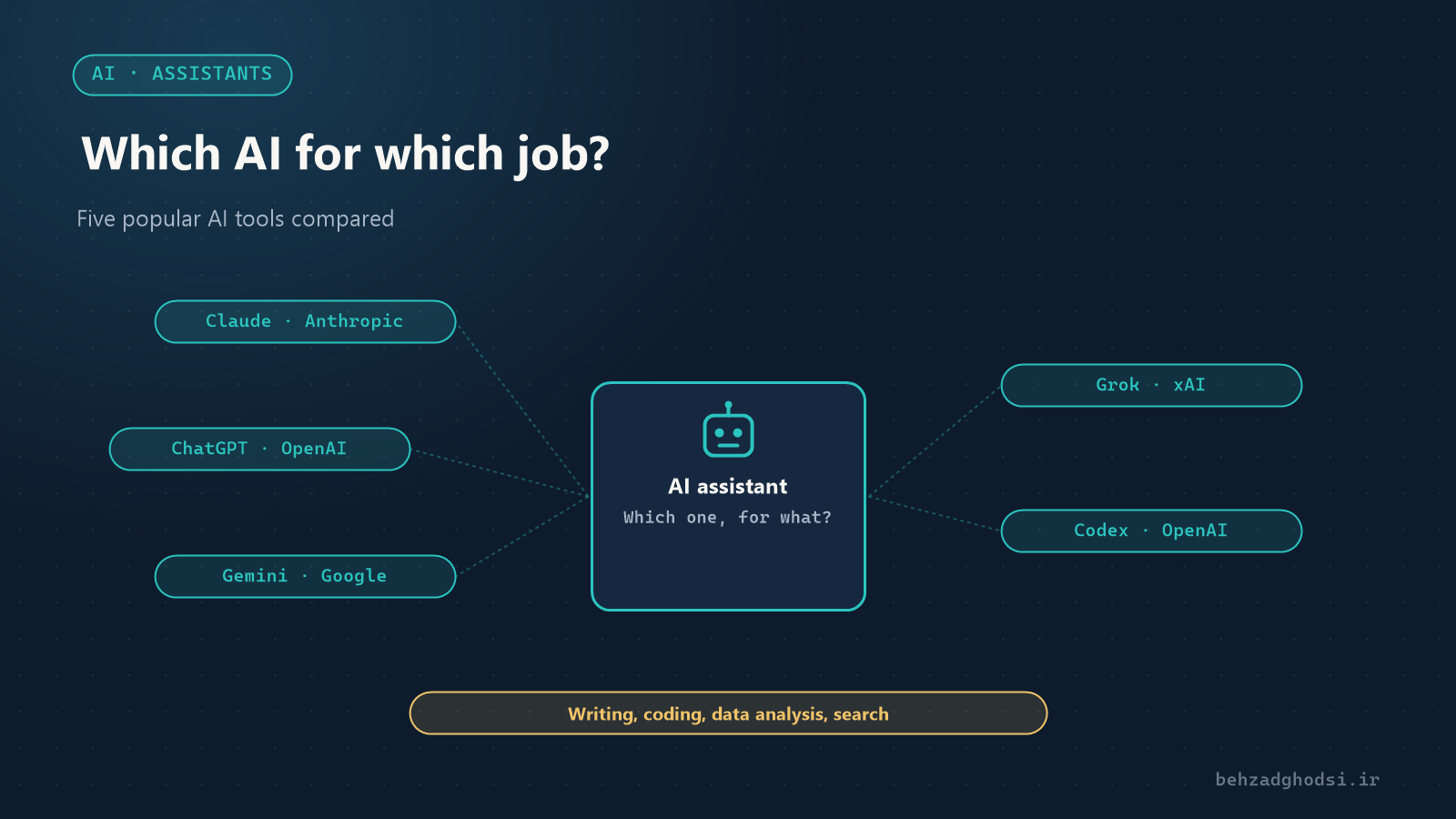
Within a few years, AI assistants have become everyday work tools: they write letters, write code, summarise reports and analyse spreadsheets. But the five names you hear most, Claude, ChatGPT, Gemini, Grok and Codex, are not the same. This article introduces each briefly and says where each is strongest.
One note before we start: these tools release new versions every few months and the gaps between them keep shifting. What you read here is the overall picture and direction of each product, not a definitive ranking.
A short introduction to each tool
Claude
Claude is made by Anthropic. It is known for fluent, natural writing, careful instruction-following and working with long documents (contracts, reports, technical documentation). It is also one of the leading choices for programming, and its Claude Code tool can work directly on a software project: reading code, changing it and running tests.
ChatGPT
ChatGPT is made by OpenAI and is the most widely used AI assistant in the world. It is an all-rounder: text, image generation, voice conversation, file and spreadsheet analysis and web search in one product. The largest collection of plugins and custom assistants (GPTs) has also been built for it.
Gemini
Gemini is Google’s product, and its biggest advantage is integration with Google services: Gmail, Docs, Sheets, Drive and Search. It is strong with images and video and can read a very large amount of text at once.
Grok
Grok is made by xAI and is connected to the social network X (formerly Twitter). Its main advantage is real-time access to conversations and breaking news on X, and its tone is more blunt than the others.
Codex
Codex is also an OpenAI product, but unlike the four above it is not a general chat assistant; it is a programming agent. It connects to a code repository, takes a task (for example “fix this bug” or “write tests for this module”), writes and runs code in an isolated environment and hands the result back for review. Its counterpart in the Claude family is Claude Code.
The main differences
- Maker: Claude from Anthropic, ChatGPT and Codex from OpenAI, Gemini from Google, Grok from xAI.
- Type of tool: four general chat assistants and one specialist programming agent (Codex).
- Ecosystem: Gemini with Google services, Grok with X, ChatGPT with the largest plugin marketplace, and Claude with work and programming tools.
- Focus: Claude on precise text and coding, ChatGPT on versatility, Gemini on multimedia and search, Grok on real-time information.
Which tool for which job?
Writing and editing
Business letters, technical proposals, articles and translation. Claude and ChatGPT are both strong; Claude is often writers’ first choice for long texts and a natural tone. The quality of all these tools in many languages is now good, but always proofread the final text yourself.
Programming
For questions and debugging in a chat, all four assistants are useful. For real work on a project, programming agents, Codex and Claude Code, are better suited, because they read, change and test the files themselves.
Data and file analysis
Upload an Excel file or PDF and get a summary, chart or analysis. ChatGPT and Claude both read and analyse files; if the data lives in Google Sheets, Gemini is more convenient.
Search and research
Gemini relies on Google Search, ChatGPT and Claude have deep-research modes with citations, and Grok is good for knowing “what people are saying about this right now”. Either way, open the sources yourself; all of these tools are sometimes confidently wrong.
Office work and email
If your organisation runs on Google Workspace, Gemini is built into those tools. In a Microsoft environment, Copilot (based on OpenAI models) plays the same role. Claude and ChatGPT can also connect to your calendar, email and files.
Images and video
For generating images, ChatGPT, Gemini and Grok have built-in tools. For understanding images (for example a photo of a network diagram or an error message), all four assistants do well.
Networks and infrastructure
For our kind of work in networking, these tools are a real help: explaining an error message, writing a script, reviewing a configuration or drafting documentation. But check the output before running it on a real device, and never paste passwords, keys or the complete network configuration of your organisation into them. See the step-by-step MikroTik and Cisco guides in the articles section.
How to choose
- Give a real task from your own daily work to two or three tools and compare the results; that is more accurate than any comparison table.
- Look at the ecosystem: a tool that connects to your email, files and existing software is more useful.
- For business use, check data privacy: where your data is stored and whether it is used to train models.
- Free tiers are enough to get to know them; for serious work, paid plans have higher usage limits and stronger models.
From assistant to custom agent
The next step is building a custom agent for your business: an assistant connected to your own documents, database or support system that does repetitive work, such as answering frequent customer questions or preparing a daily report. These agents are usually built on the same models and sometimes run on cloud infrastructure.
Claude for precise text and programming, ChatGPT for versatility, Gemini for Google services and multimedia, Grok for real-time information, and Codex for handing programming tasks to an autonomous agent. The best choice is the tool that works best for your own work.