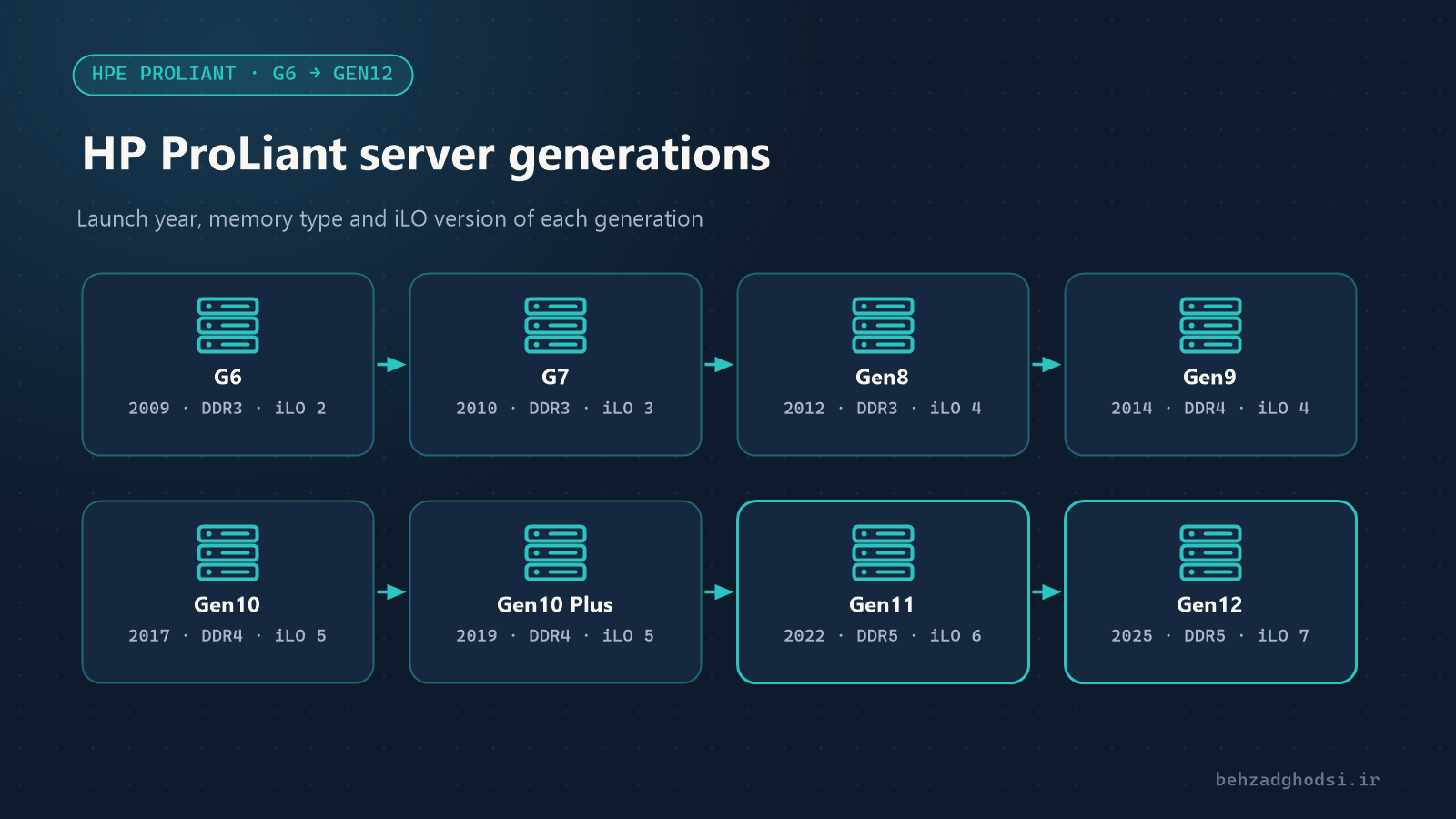
When someone says “I have an HP server”, the first question is: which generation? A DL380 G6 and a DL380 Gen11 are both “DL380”, but in processors, memory, security and even management tools they are far apart. The generation decides which memory fits, how far the server can be upgraded and what it is suitable for.
This article walks through the HP ProLiant generations from G6 to Gen12, focusing on what matters in practice: buying, upgrading and maintaining.
Understand the model names
Every ProLiant model has two parts: type and number, and generation.
- DL: rack server, the most common type in organisations, such as the DL360 and DL380.
- ML: tower server, for offices without a rack, such as the ML350.
- BL: blade server for BladeSystem enclosures.
- Model number: the 300 series is two-socket and the most widely used; the DL360 is 1U and the DL380 2U. The 500 series, such as the DL580, is four-socket. Models ending in 5 (such as the DL325 and DL385) usually have AMD processors.
- Generation: up to the seventh generation it was written with “G” (G5, G6, G7), and from 2012 with “Gen” (Gen8, Gen9 and so on).
In 2015 HP split in two and the servers went to HPE (Hewlett Packard Enterprise), which is why newer generations carry the HPE ProLiant name.
Older generations: G5, G6 and G7
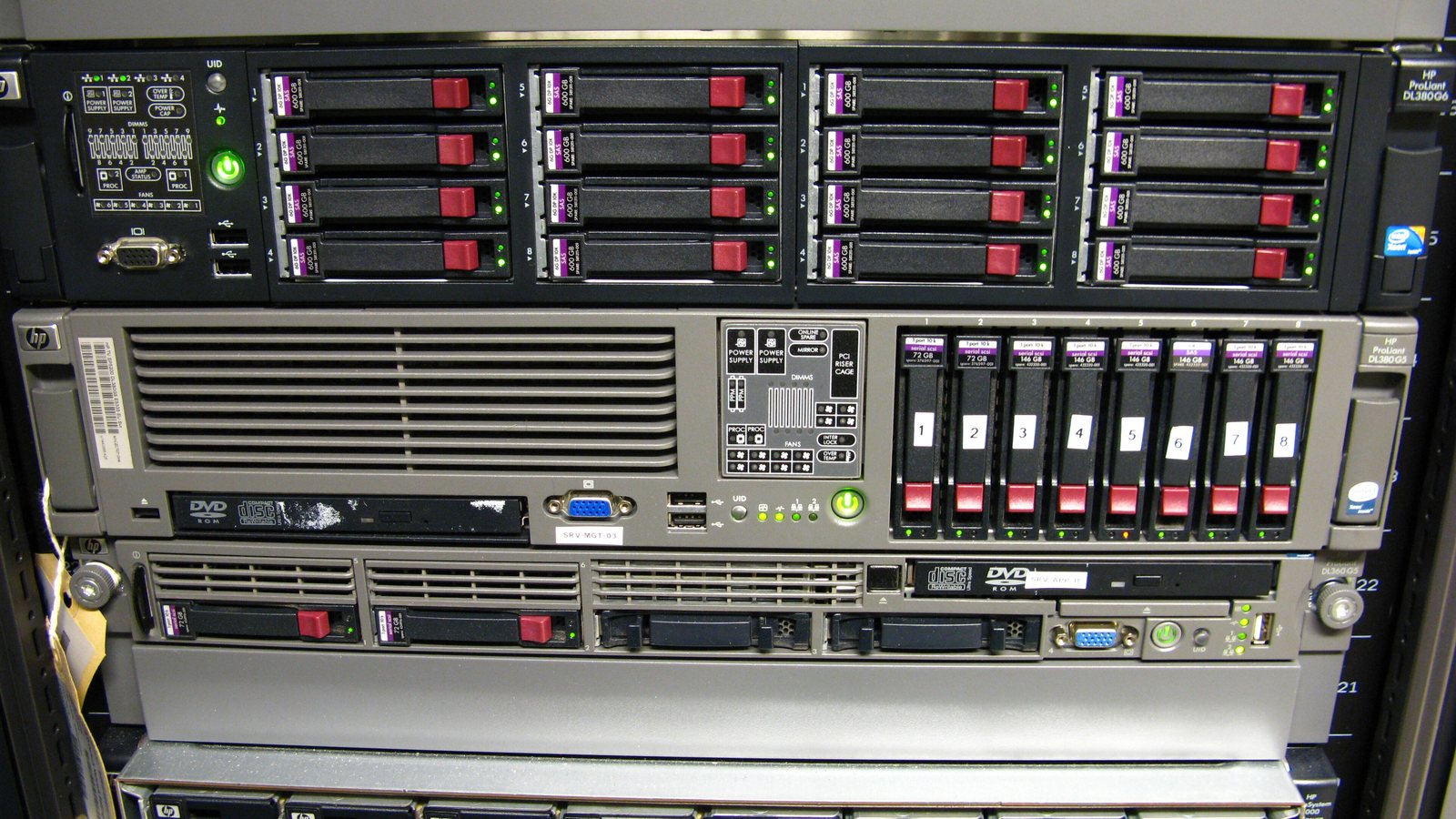
- G5 (around 2007): Xeon 5100 to 5400 processors, DDR2 FB-DIMM memory and iLO 2. Today it is only found where it has not yet been replaced.
- G6 (2009): with Xeon 5500 (Nehalem) processors, the first Intel-based ProLiant generation with DDR3 memory and the memory controller inside the processor. iLO 2.
- G7 (2010): Xeon 5600 (Westmere) processors, DDR3 memory and iLO 3.
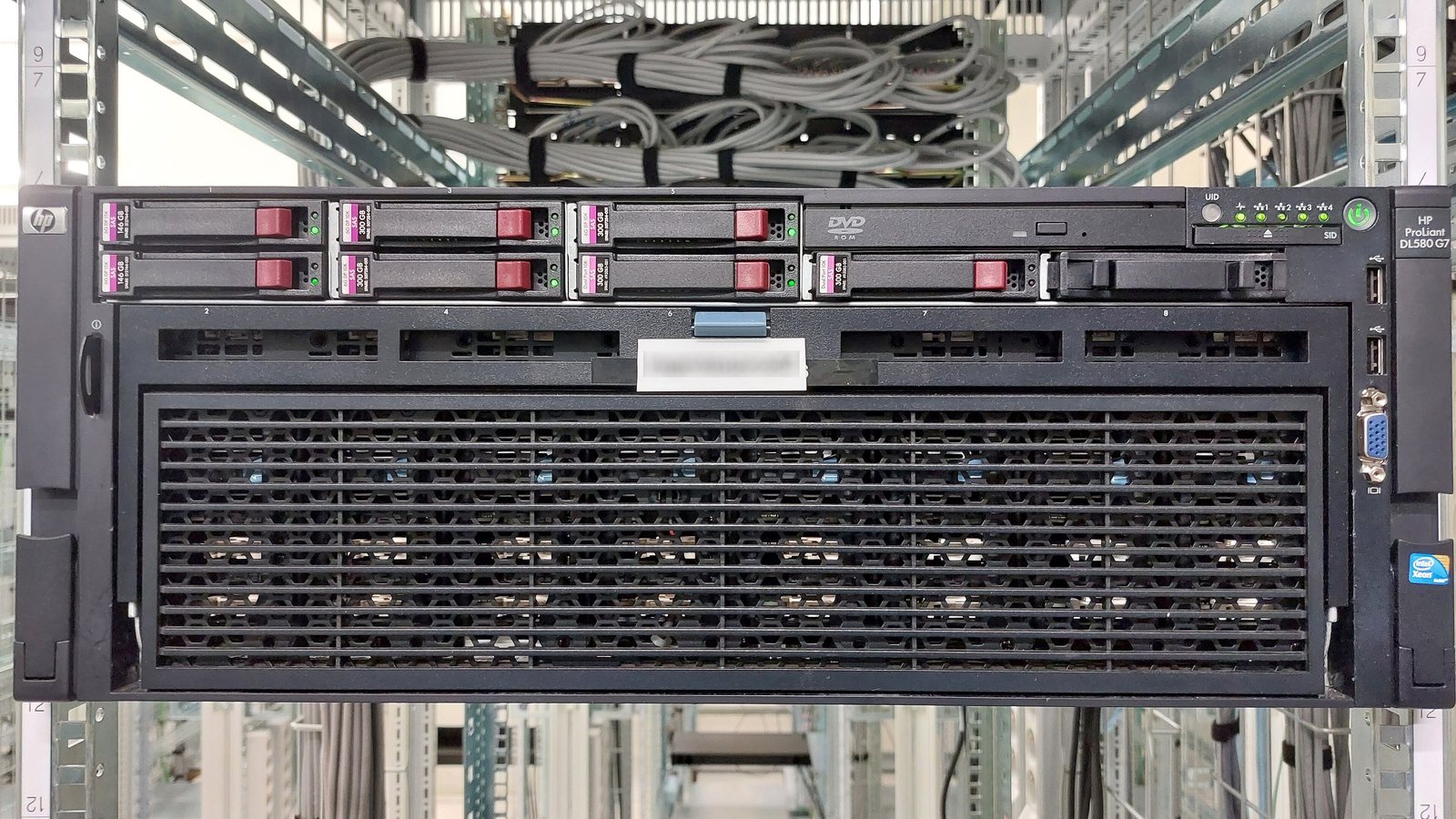
These three generations have long been out of official support, use a lot of power, and their parts are getting harder to find. They are not suitable for new projects.
Gen8 (2012)
- Xeon E5-2600 and E5-2600 v2 processors.
- DDR3 memory.
- iLO 4 and Intelligent Provisioning: operating system installation and initial setup without a separate boot disc.
- HP SmartMemory and SmartDrive carriers, with lights that tell you whether a drive can be pulled.
- Common RAID controller: Smart Array P420i.
Gen8 still runs in some organisations, but with DDR3 and older processors it is limited for today’s virtualization.
Gen9 (2014)
- Xeon E5-2600 v3 and v4 processors.
- DDR4 memory; 24 DIMM slots in two-socket models such as the DL380 Gen9. For memory population details, see memory population on the HP DL380 Gen9.
- iLO 4.
- UEFI support alongside legacy BIOS.
- Common RAID controller: Smart Array P440ar.
Gen9 is still widely used and works for light virtualization and office services, including the Karzan Novavaran Honar va Memari project, where an HP G9 server was set up with ESXi. Its limits are older processors and the end of official support.
Gen10 and Gen10 Plus (2017 to 2021)
- Gen10: first and second generation Intel Xeon Scalable processors and, for the first time, AMD EPYC models (such as the DL385 Gen10). DDR4 memory.
- iLO 5 and Silicon Root of Trust: at power-on the server verifies its firmware with a key held inside the iLO chip, an important security step up from earlier generations.
- Gen10 Plus: newer processors (second and third generation AMD EPYC and third generation Intel Xeon Scalable) and PCIe 4.0, with the same iLO 5.
When buying used servers for new projects, Gen10 usually offers a good balance of price, performance and security.
Gen11 (2022 and 2023)
- Fourth and fifth generation Intel Xeon Scalable and AMD EPYC 9004 processors.
- DDR5 memory and PCIe 5.0.
- iLO 6.
- Suited to heavy virtualization, large databases and fast NVMe storage.
Gen12 (2025)
- Introduced as HPE ProLiant Compute Gen12, with Intel Xeon 6 and AMD EPYC 9005 processors.
- DDR5 memory.
- iLO 7 with a separate security chip (Secure Enclave) and support for quantum-resistant algorithms for signing firmware.
- Liquid cooling options on some models, for high-power processors and AI workloads.
How to identify a server’s generation
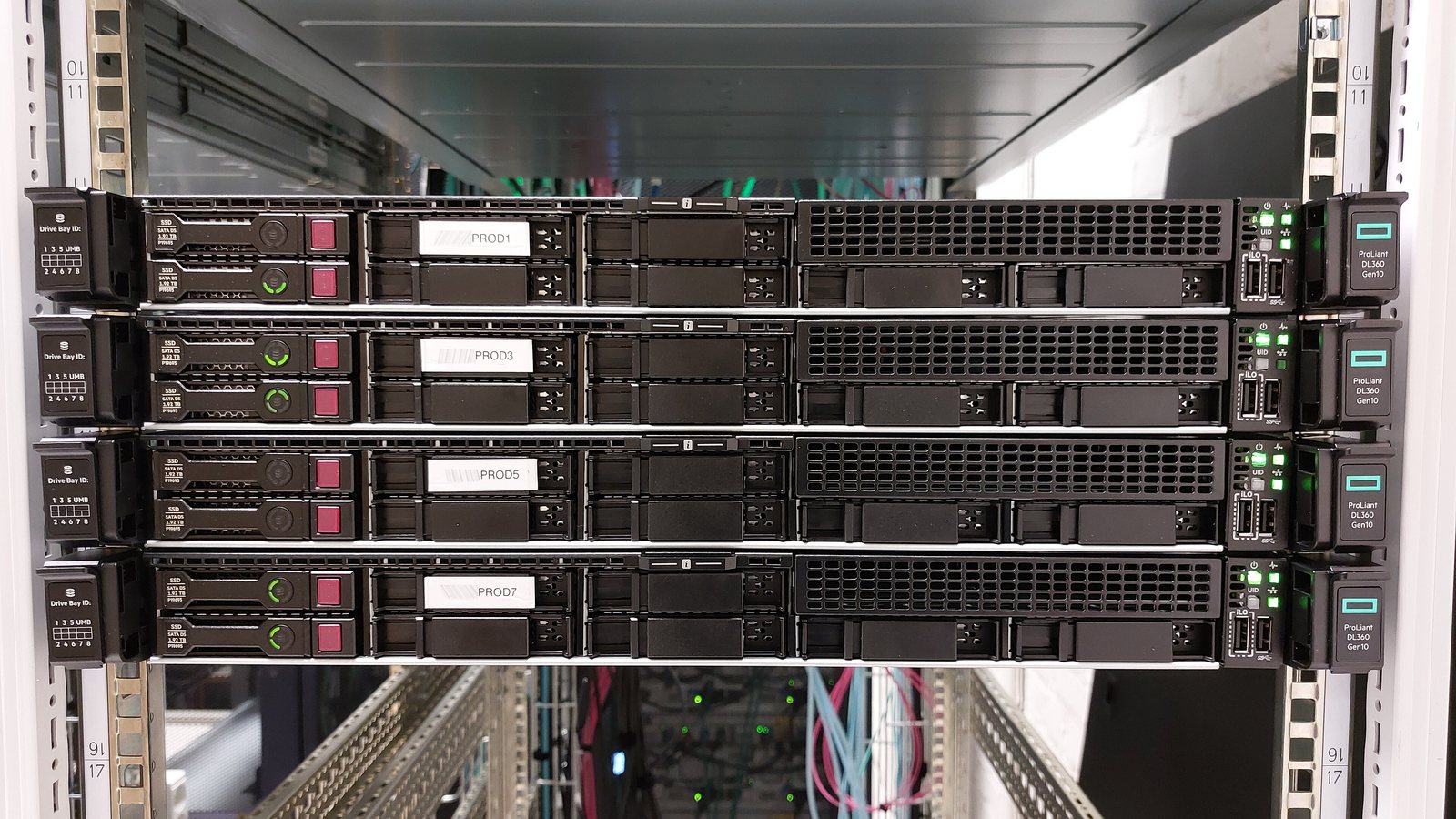
- Front label: printed on the label or pull-out tab on the front of the server, for example “ProLiant DL360 Gen10”, visible in the photo at the top of this article.
- iLO login page or the boot screen (POST): shows the full model name.
- From the operating system:
dmidecode -s system-product-name
esxcli hardware platform get
The first on Linux, the second on ESXi. On Windows, with PowerShell:
Get-CimInstance Win32_ComputerSystem | Select-Object Manufacturer, Model- Serial number: look up the exact model and warranty status by serial number on the HPE support site.
Which generation for which job?
These are general suggestions; the final choice depends on the workload, budget and availability of parts:
- G7 and older: only for labs or non-critical work, with a replacement plan.
- Gen8: existing light services can be maintained, but not recommended for new purchases.
- Gen9: light virtualization, file servers and small office services; keep firmware up to date and plan for replacement.
- Gen10 and Gen10 Plus: a balanced choice for most new projects, especially in the used-server market.
- Gen11 and Gen12: heavy virtualization, large databases, NVMe and AI.
Tips for upgrades and maintenance
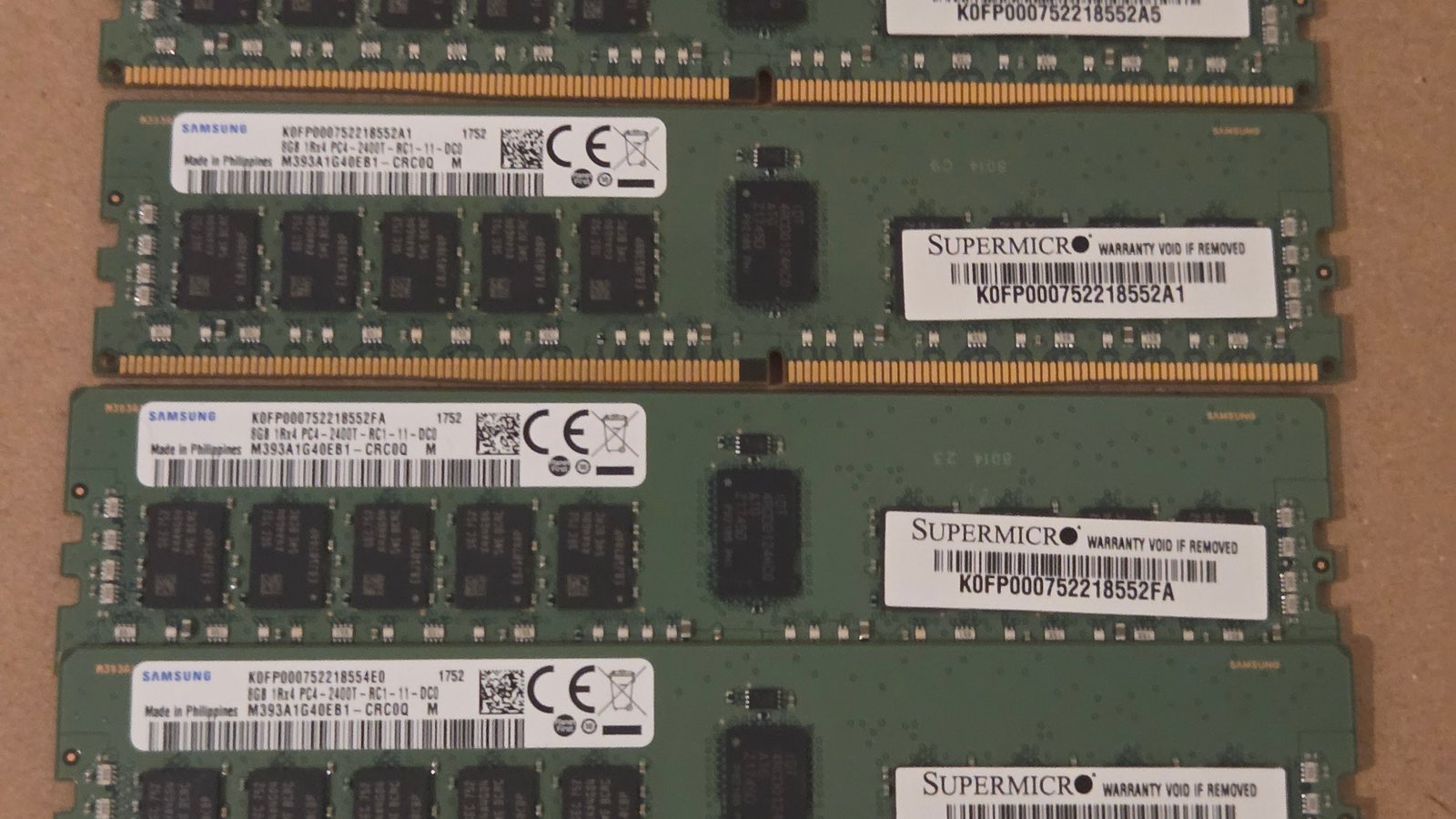
- Each generation has its own memory. DDR3 from G6 to Gen8 does not fit Gen9 or Gen10, and DDR4 does not work in Gen11.
- Keep firmware up to date. HPE ships updates in the Service Pack for ProLiant (SPP). Check firmware before installing a new operating system or upgrading hardware.
- Before buying a used server: check the IML in iLO, drive health, the RAID controller’s cache battery or capacitor, and the firmware version.
- Keep iLO off the internet. iLO has full control of the server. Put it on a separate management network and change the default password.
If you need help choosing, buying, installing or upgrading an HP server, see HPE servers and virtualization. The articles physical servers and virtualization and backups with Veeam: the 3-2-1 rule also help with server planning.
Source on Gen12: HPE ProLiant Compute Gen12 launch.
Photos:
- HPE ProLiant DL360 Gen10 servers: Btrs, licensed under CC BY-SA 4.0, via Wikimedia Commons; cropped.
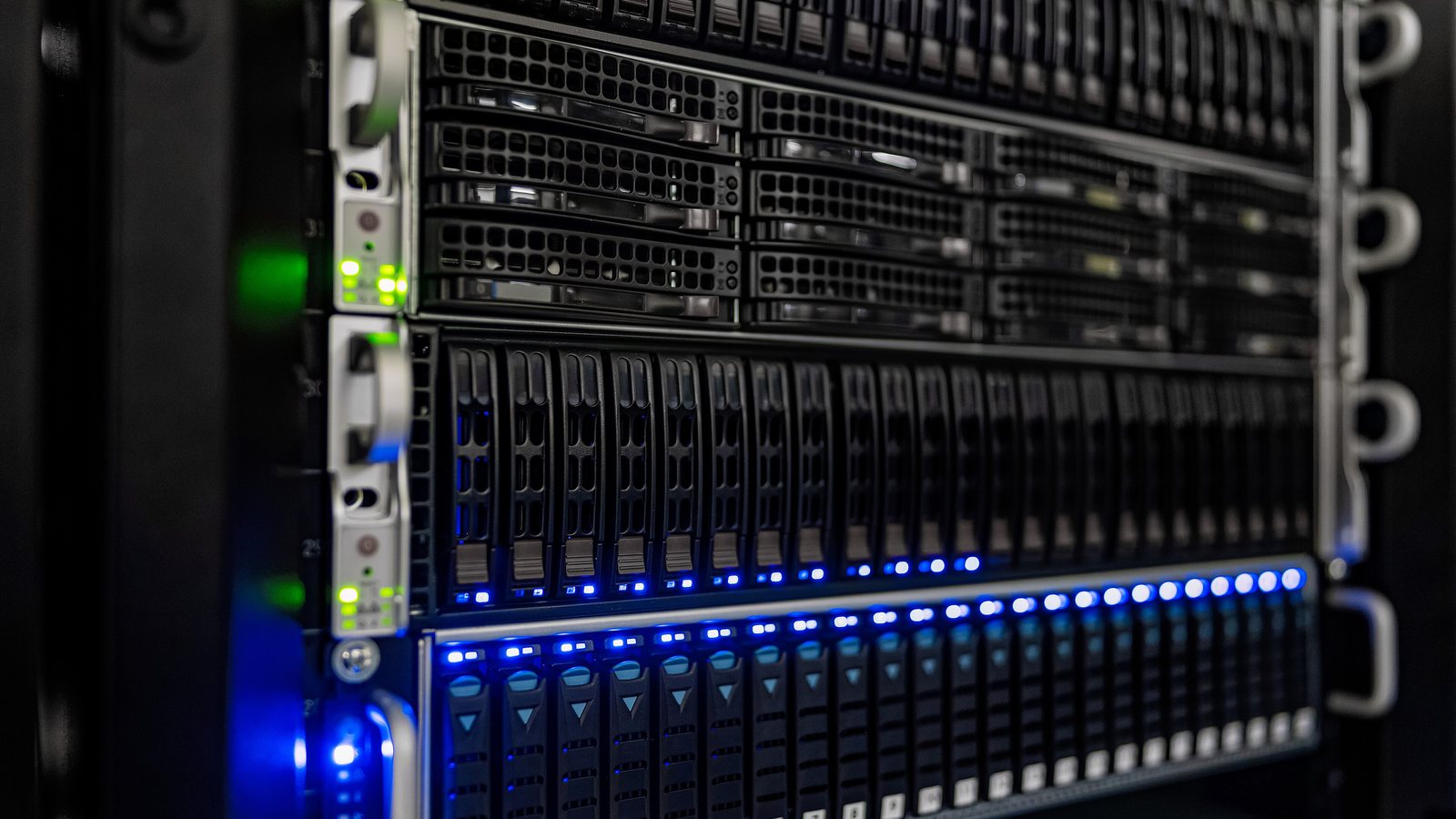
- HP ProLiant DL380 G6, DL380 G5 and DL360 G5 servers: Robert, licensed under CC BY 2.0, via Wikimedia Commons; cropped.
- HP ProLiant DL580 G7 server: Btrs, licensed under CC BY-SA 4.0, via Wikimedia Commons; cropped.